
Best CCTV Camera System for Industrial, Home, Office and Hospital Use
October 21, 2026
Integrated Building Management System Solutions for Industries: Smarter Control for Modern Facilities
October 26, 2026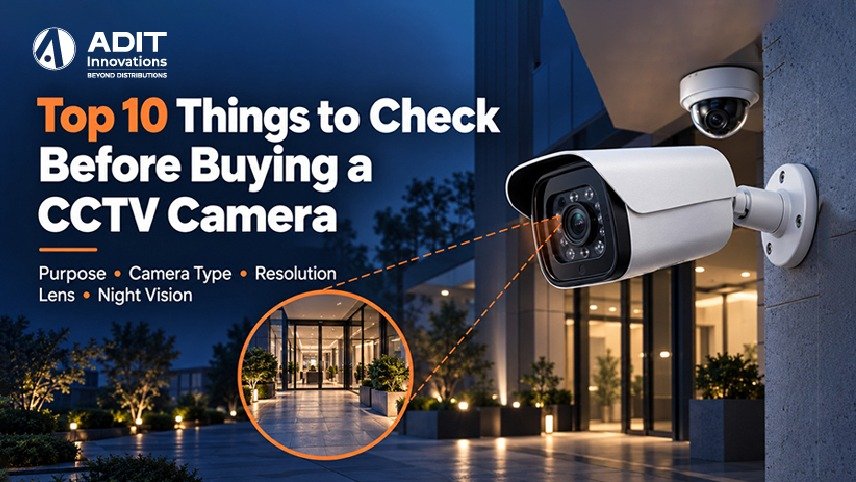
Why a Pre-Purchase Checklist Helps
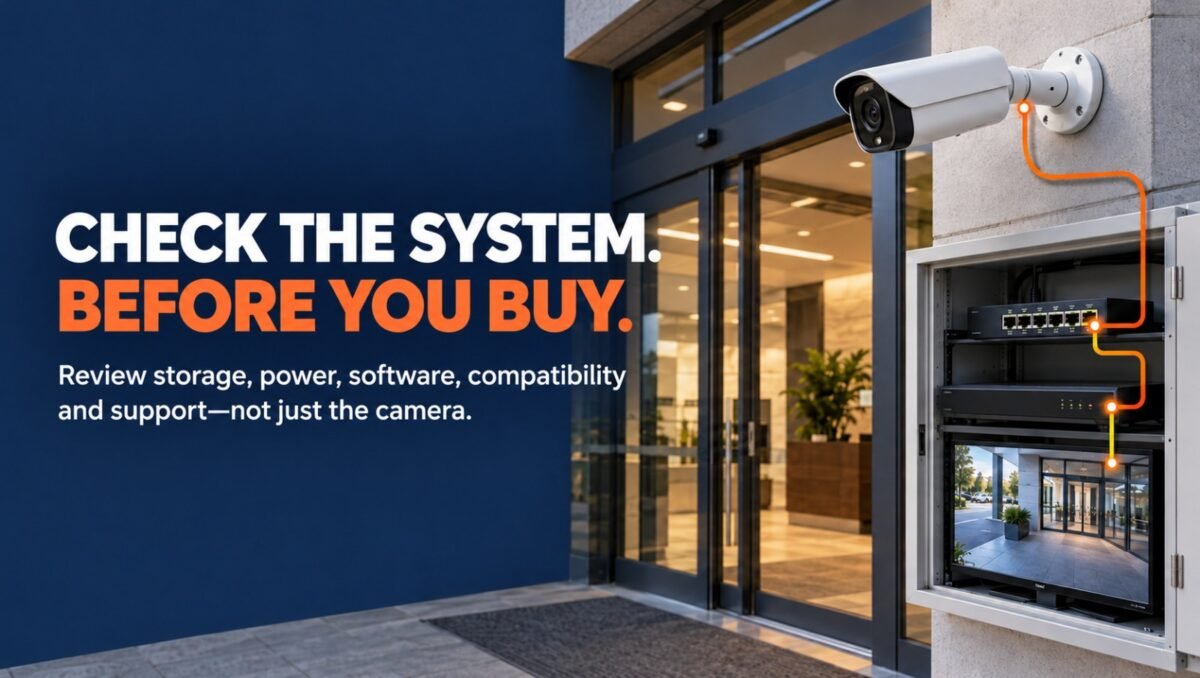
A CCTV camera works as part of a system that includes a recorder, storage, cabling, and viewing software. A choice made for one component influences the others. For example, a higher resolution camera calls for more storage, and a wireless camera calls for a stable network signal.
A structured checklist lets you review each requirement in a logical order. It also helps buyers describe their needs clearly when they speak with an installer. The Adit Innovations team prepared this checklist to explain each decision’s technical basis in simple terms. Readers who are new to camera categories can first review our CCTV camera guide on types, features and how to choose and then return to this checklist.
Define the Purpose of CCTV Camera Surveillance
Every technical decision follows from the purpose. Surveillance goals usually fall into four groups.
- General awareness of activity in an area
- Identification of people at entrances
- Capture of vehicle number plates at gates
- Deterrence through visible camera placement
Identification needs more image detail than general awareness. A reception desk that requires clear facial images calls for different specifications than a storage room that needs only motion awareness.
Example. A pharmacy wants to see who enters and also wants a clear view of the billing counter. The entrance camera needs facial detail, and the counter camera needs a wide view of transactions. Writing these two goals down at the start guides every later choice.
Select the CCTV Camera Type and Form Factor
Form factor decides where a camera fits and what it observes.
| Camera type | Typical location | Primary advantage |
| Dome | Indoor ceilings | Compact and discreet appearance |
| Bullet | Entrances and outdoor walls | Clear directional coverage |
| Turret | Indoor and outdoor | Reduced infrared glare |
| PTZ | Parking areas and yards | Wide coverage with zoom control |
| Box | Gates and special sites | Interchangeable lenses |
| Fisheye | Halls and showrooms | 360-degree overview |
Dome cameras suit offices and corridors, bullet cameras suit gates and perimeter walls, and PTZ cameras suit large open areas where one unit can cover multiple positions. Technology also matters, since IP cameras deliver video over Ethernet and analog HD cameras deliver it over coaxial cable. Our article on IP cameras versus analog cameras explains this choice in more detail.
Match Resolution to Detail Requirements
Resolution describes the number of pixels in each frame.
| Resolution | Pixel size | Common name |
| 2 MP | 1920 x 1080 | Full HD |
| 4 MP | 2560 x 1440 | Quad HD |
| 8 MP | 3840 x 2160 | 4K |
A helpful way to plan detail is pixel density, which is the number of pixels that cover one meter of the scene. Surveillance planning guidance commonly refers to about 250 pixels per meter for identifying a person, about 125 for recognizing a known person, and about 62 for general observation.
Example. A 4 MP camera has 2560 pixels across the frame. At 250 pixels per meter, it can cover a scene about 10 meters wide while keeping identification-level detail. A 2 MP camera covers about 7.7 meters at the same density, and an 8 MP camera covers about 15 meters. A wider gate can therefore be matched with a higher resolution camera.
Higher resolution also increases storage and network use, so the selection works best when it reflects the actual detail requirement.
Choose the Lens and Field of View
The focal length of the lens controls how wide or narrow the view appears. Typical values are approximate and vary by sensor size.
- 2.8 mm gives a wide view of roughly 100 degrees, which suits rooms and corridors
- 4 mm gives a view of roughly 80 degrees, which suits medium sized areas
- 6 mm gives a view of roughly 55 degrees, which suits driveways and gates
Varifocal lenses allow the installer to adjust the angle on site, which is useful when the exact mounting distance is confirmed during installation. A motorised varifocal lens allows adjustment remotely, which saves time after mounting at height.
Review Night Vision and Low Light Performance
Many areas need clear video after dark. Infrared LEDs light the scene and produce black and white video, and typical ranges for bullet cameras are 20 to 30 meters. Some cameras also offer full colour night imaging through sensitive low light sensors or a built in white light, which helps with noting clothing and vehicle colours.
Wide Dynamic Range, abbreviated as WDR, balances bright and dim areas within one frame. A doorway with bright sunlight outside and a dim interior is a common scene where WDR, often rated around 120 dB, keeps both areas visible.
Reviewing sample night footage from the manufacturer or installer offers a practical view of real performance before purchase.
Confirm Weather and Impact Ratings
Outdoor and semi-outdoor cameras benefit from clear ratings.
- IP rating describes protection against dust and water. IP66 indicates protection against dust and strong water jets, which suits outdoor walls and poles.
- IK rating describes resistance to impact. IK10 suits locations where physical contact is possible, such as public corridors and parking areas.
- Operating temperature should match the local climate, since summer heat and monsoon humidity influence outdoor equipment.
Cable joints deserve attention as well. Weatherproof junction boxes and conduits protect connections and support consistent video over the years.
Plan Recorder, Storage and Compression
The recorder is a DVR (Digital Video Recorder) for analog HD cameras and an NVR (Network Video Recorder) for IP cameras. Review three details.
- The number of channels, with a few spare for future additions
- The maximum resolution and bitrate that the recorder supports
- The number of hard drive bays and the maximum capacity
Storage planning follows a simple formula. Continuous recording at 1 Mbps uses about 10.8 GB per day, so the daily figure equals the bitrate in Mbps multiplied by 10.8.
Example. Four 4 MP cameras using H.265 at about 2 Mbps each
- One camera records about 21.6 GB per day
- Four cameras record about 86.4 GB per day
- A 30 day retention period needs about 2.6 TB
A 4 TB surveillance grade drive suits this setup and leaves some room for variation. H.265 compression typically lowers bitrate by roughly half compared with H.264 at similar quality, which supports longer retention on the same drive. Surveillance rated drives are designed for continuous writing, which supports dependable recording over time.
Decide the Power and Connectivity Method
Power and data delivery shape both installation effort and long-term operation.
| Method | How it works | Suitable for |
| PoE | One Ethernet cable carries power and data | IP cameras in new installations |
| 12V DC | Separate power cable and adapter | Analog HD cameras and some IP models |
| WiFi with adapter | Wireless data with local power | Locations with limited cable paths |
PoE supports cable runs of up to 100 meters and reduces the number of cables at each camera. Standards such as 802.3af and 802.3at define available power levels, so cameras with heaters or motors, including many PTZ units, may need the higher power class. Wireless cameras perform consistently when the WiFi signal at the mounting point is strong, so a signal check at the site is a helpful step.
For deployment details, our page on the CCTV installation process at Adit Innovations describes each stage from site survey to handover.
Evaluate Analytics and Viewing Software
Modern cameras include analytics that send alerts for defined events.
- Motion detection with adjustable zones
- Line crossing and intrusion detection
- Face detection and number plate recognition on selected models
- People and vehicle classification, which reduces alerts caused by shadows or small animals
Viewing software matters as much as the camera. A mobile application with live view, playback search, and alert notifications allows convenient monitoring. Checking the application on a demonstration unit gives a clear idea of how easy it is to use in daily routines.
Example. A warehouse manager sets an intrusion zone along the rear fence for night hours. The camera sends a notification only when a person enters that zone, so review time stays short.
Audio features such as a built-in microphone and speaker suit reception counters and gates. Local regulations on audio recording should be reviewed before activation.
Verify Compatibility, Security and Support
Three final points protect the investment over the years.
Compatibility. Cameras and recorders that follow the ONVIF standard can work together across different makers. This allows later additions without replacing the full system.
Cybersecurity. Network-connected cameras benefit from a few basic practices.
- Change default passwords during setup
- Keep firmware updated
- Place cameras on a separate network segment
- Limit remote access to verified users
Our article on securing surveillance networks covers these steps in more detail.
Warranty and support. Review the warranty period, the replacement process, and the availability of local service. A clear support path helps keep the system running smoothly.
Quick Reference Table
| Area | What to review | Example value |
| Purpose | Awareness, identification, number plates | Identification at entrance |
| Camera type | Dome, bullet, turret, PTZ | Bullet at gate |
| Resolution | Pixel density needed | 4 MP for a 10-meter scene |
| Lens | Focal length and angle | 6 mm for driveways |
| Night vision | IR range, colour night mode, WDR | 30 meters, 120 dB WDR |
| Ratings | IP and IK | IP66 and IK10 |
| Recorder | Channels, drive bays, compression | 8-channel NVR with H.265 |
| Power | PoE or 12V DC | PoE within 100 meters |
| Software | Alerts and mobile viewing | Intrusion zone alerts |
| Support | ONVIF, firmware, warranty | ONVIF with local service |
Takeaway
A confident CCTV purchase begins with a clear purpose and then moves through camera type, resolution, lens, night imaging, weather ratings, storage, power, analytics, and compatibility. Each point connects to the next, so reviewing them together leads to a system that suits the premises and grows smoothly with future needs. Simple calculations for pixel density and storage give measurable targets that make comparison between models more straightforward. When you are ready to compare options, you can explore the CCTV camera range from Adit Innovations for models that match this checklist, or reach out through our Contact Us page to discuss the requirements of your site with our team.
FAQs
1. Does camera resolution influence the storage space required?
Yes, higher resolution creates larger video files and needs more storage.
2. Can one Ethernet cable power an IP camera?
Yes, PoE carries both power and data to compatible cameras.
3. Is an IP66 rating suitable for outdoor camera mounting?
Yes, IP66 indicates protection against dust and strong water jets.
4. Can ONVIF cameras work with recorders from other makers?
Yes, ONVIF supports interoperability between compatible cameras and recorders.
5. Does H.265 compression help lower storage usage?
Yes, H.265 typically reduces file size compared with H.264.