Network Video Recorder Solutions for Commercial CCTV: A Complete Guide for Smarter Surveillance
October 2, 2026
Best CCTV Camera System for Industrial, Home, Office and Hospital Use
October 21, 2026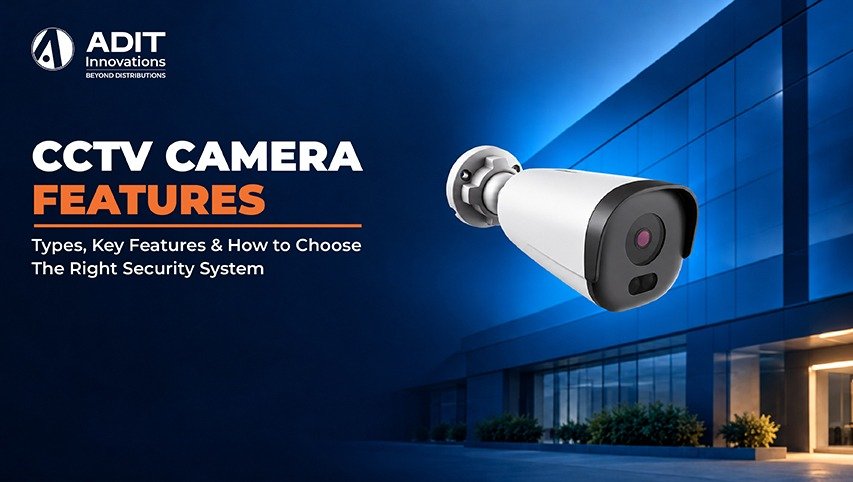
What Is a CCTV Camera System
A CCTV system is a set of cameras, a recorder, storage, and a display that work together to capture and retain video of a defined area. CCTV stands for Closed Circuit Television, which means the video travels over a private network instead of being broadcast publicly.
A complete system usually contains four parts.
- Cameras that capture video
- A recorder, either a DVR (Digital Video Recorder) or an NVR (Network Video Recorder), that stores footage
- Cabling or a wireless link that carries video and power
- A monitor or mobile application for live viewing and playback
Understanding how these parts relate makes every later decision easier. A shop owner, a school administrator, and a homeowner all use the same building blocks, but they combine them in different ways. The Adit Innovations team prepared this guide to explain each building block in simple terms. Readers who want a wider view of how cameras connect with other security layers can explore our video surveillance solutions overview.
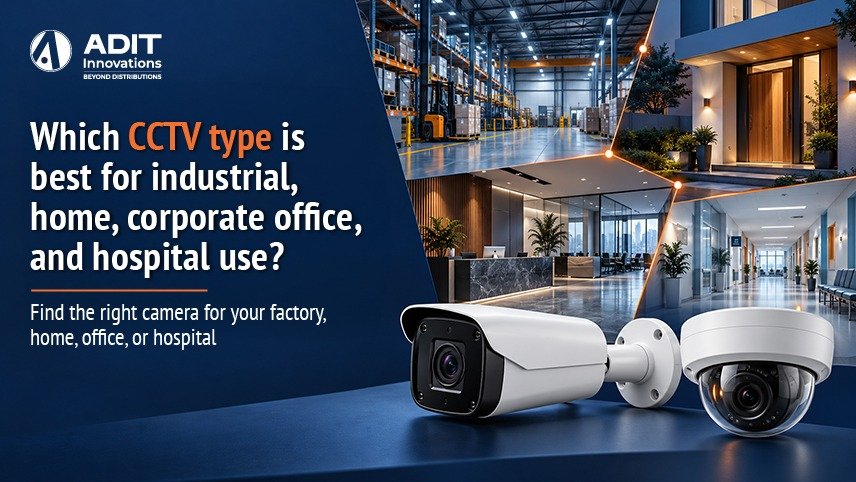
Types of CCTV Camera by Shape and Function
Camera form factor influences where a camera fits and what it observes.
Dome cameras have a rounded housing that suits ceilings and indoor corridors. The enclosed design makes the viewing direction less obvious, which suits offices, retail floors, and lobbies.
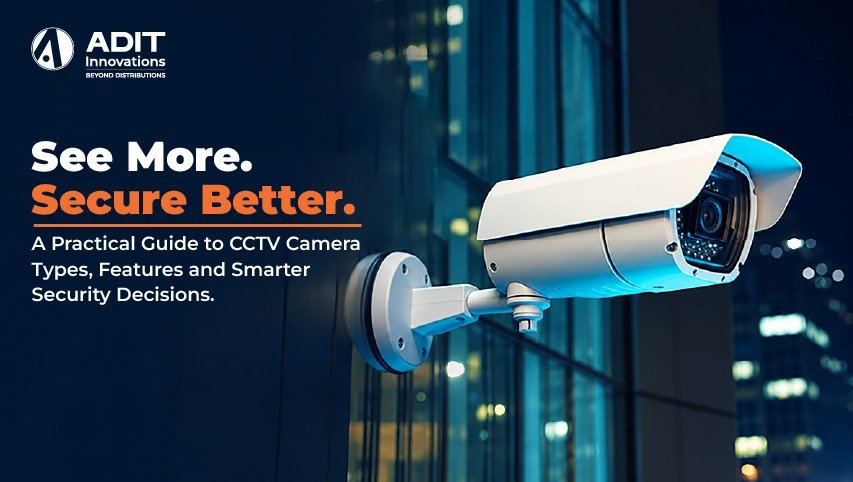
Bullet cameras have a long cylindrical body that points in one direction. They suit entrances, driveways, and perimeter walls. Many models include weatherproof housings for outdoor use.
Turret cameras (also called eyeball cameras) combine a dome style mount with a ball shaped lens unit. Because the lens sits outside a glass dome, infrared reflection is reduced, which helps night footage stay clear.
PTZ cameras offer pan, tilt, and zoom control. A single unit can cover a large yard, parking lot, or warehouse by moving to different positions on schedule or on command.
Fisheye or panoramic cameras capture a 360-degree view from one point. Software then flattens the image into usable views, which suits open halls and showrooms.
| Camera type | Typical location | Primary advantage |
| Dome | Indoor ceilings | Compact and discreet |
| Bullet | Entrances, outdoor walls | Clear directional coverage |
| PTZ | Parking areas, yards | Wide area coverage with zoom |
| Fisheye | Halls, showrooms | 360 degree overview |
Example. Retain as an illustrative example, not a fixed product recommendation: two dome cameras in the waiting area, one bullet camera at the entrance, and one camera at the reception counter. Each type matches the space it watches.
Types of CCTV Cameras by Technology
Analog HD cameras send video over coaxial cable to a DVR. Formats such as AHD, TVI, and CVI carry high-definition video over existing coaxial wiring. They suit sites where cabling is already installed and a gradual upgrade is preferred.
IP cameras are network devices that encode video on board and send it over Ethernet to an NVR or server. They support higher resolutions, advanced analytics, and flexible scaling. Power over Ethernet (PoE) lets one cable carry both data and power, simplifying installation.
Wireless cameras connect to the network through WiFi. They suit locations where running cable is difficult, such as a rented space. Power still needs to be supplied through an adapter or battery, and a stable WiFi signal supports consistent recording.
Cloud-connected cameras upload footage to remote servers, which allows access from anywhere. They suit small sites that value simple setup and off-site backup.
| Technology | Cabling | Resolution range | Suitable for |
| Analog HD | Coaxial | Up to 8 MP in newer formats | Existing coaxial sites |
| IP | Ethernet with PoE | 2 MP to 12 MP and above | New installations and scaling |
| Wireless | WiFi with power adapter | 2 MP to 4 MP typical | Locations with limited cable paths |
| Cloud | Ethernet or WiFi | 2 MP to 4 MP typical | Small sites needing remote storage |
For a deeper comparison, see our guide on IP cameras versus analog cameras(internal link suggestion).
Key CCTV Camera Features to Understand
When comparing CCTV camera models, consider the Following specifications rather then relying on resolution alone.
Resolution
Resolution describes how many pixels form each frame. A 2 MP camera captures 1920 x 1080 pixels (Full HD), a 4 MP camera captures 2560 x 1440, and an 8 MP camera (4K) captures 3840 x 2160. Higher resolution gives more detail for identifying faces, vehicles, and objects, and it also increases storage use.
Lens and Field of View
The focal length determines how wide or narrows the view is. A 2.8 mm lens gives a wide view of about 100 degrees, which suits rooms and corridors. A 6 mm lens narrows the view and increases detail at a distance, which suits gates and driveways. Varifocal lenses allow the installer to adjust the angle on site.
Night Vision
Infrared LEDs illuminate the scene in darkness and produce black and white video. Typical ranges are 20 to 30 meters for standard bullet cameras. Some models offer full colour night imaging through low light sensors or a built-in white light, which helps with identifying clothing and vehicle colour.
Wide Dynamic Range (WDR)
WDR balances bright and dark areas within the same frame. A doorway with strong sunlight outside and a dim interior is a common scene where WDR keeps both areas visible. Values such as 120 dB are common in current models.
Video Compression
Compression reduces the file size of recorded video. H.265 often lowers bitrate by roughly half when compared with H.264 at similar quality, which helps with storage and network capacity. Variants such as H.265+ extend the savings for scenes with limited movement.
Weather and Impact Ratings
An IP rating describes protection from dust and water. IP66 indicates protection against dust and strong water jets, which suits outdoor mounting. An IK rating describes impact resistance. IK10 is suited to locations where physical contact is possible, such as public corridors.
Smart Analytics
Many cameras include features such as motion detection, line crossing, intrusion zones, face detection, and number plate recognition. These features send alerts for defined events so that reviewers can focus on relevant clips instead of watching hours of footage.
Audio and Two Way Communication
Built in microphones and speakers allow audio recording and live talk. This suits front desks, entrance gates, and reception areas. Local regulations on audio recording should be reviewed before activation.
Power Options
PoE simplifies wiring for IP cameras. Cameras using 12V DC power need a power supply near each unit or a central supply box. Selecting the power method early helps in planning cable routes.
How to Choose the Right CCTV Camera in Five Steps
Step 1 Define the purpose. Decide whether the goal is general monitoring, identification of people, vehicle number plate capture, or deterrence. Identification needs more detail than general awareness.
Step 2 Survey the area. Note the width of each area, the distance from camera to subject, lighting conditions, and mounting height. Indoor and outdoor zones usually need different housings.
Step 3 Match the camera type and resolution. Use wide lenses with moderate resolution for rooms, and narrower lenses with higher resolution for gates and long corridors. A 4 MP camera is a common choice for balanced detail and storage.
Step 4 Select the recording and network setup. Choose an NVR for IP cameras or a DVR for analog HD cameras. Confirm that the recorder has enough channels, with a few spare for future additions.
Step 5 Plan for growth and support. Select equipment from standards based platforms such as ONVIF so that cameras and recorders from different makers can work together. Confirm warranty terms and available service support.
Example. A retail store of 800 square feet with one entrance can start with a 4 MP bullet camera at the door, two 4 MP dome cameras over the sales floor, and one 4 MP turret camera at the billing counter. An 8 channel PoE NVR covers these four cameras and leaves four channels open for later expansion.
Storage Planning with a Worked Example
Storage depends on the number of cameras, bitrate, and retention days. A simple method helps with planning.
Storage per day in GB = bitrate in Mbps x 0.0108 x 1000 / 1000, which simplifies to roughly bitrate x 10.8 GB per camera per day for continuous recording.
Consider four 4 MP cameras using H.265 at around 2 Mbps each.
- One camera records about 21.6 GB per day
- Four cameras record about 86.4 GB per day
- A 30 day retention period needs about 2.6 TB
A 4 TB surveillance-grade hard drive gives comfortable room for this setup. Motion-based recording can reduce usage further when scenes are quiet for long periods. Surveillance-rated drives are built for continuous writing, which supports dependable recording over time.
Placement and Installation Basics
Good placement improves the value of any camera. A few practical guidelines help.
- Mount cameras between 2.5 and 3 meters above ground to balance coverage and reach
- Position cameras so that faces are captured from the front at entrances
- Keep light sources behind the camera instead of facing the lens
- Use cable conduits and weatherproof junction boxes for outdoor runs
- Maintain PoE cable runs within 100 meters
Professional system planning helps align lens angles, configure recording schedules, and set up remote viewing securely. Readers planning a deployment can review the CCTV installation process at Adit Innovations to understand each stage from site survey to handover.
Maintenance for Reliable Performance
Routine care keeps video quality consistent.
- Clean lens covers every one to three months, depending on dust levels
- Check recorder health and disk status monthly
- Update firmware from the manufacturer on a regular schedule
- Change default passwords and use strong, unique credentials
- Test playback of recorded footage periodically to confirm that recording works as expected
Strong network practices add another layer of protection. Placing cameras on a separate network segment and limiting remote access to verified users supports data privacy. Our article on securing surveillance networks explains these steps in more detail.
Takeaway
A well-matched CCTV system begins with a clear purpose, followed by the right camera type, suitable resolution, dependable night imaging, and storage sized for the retention period. Dome, bullet, turret, PTZ, and fisheye cameras each serve a particular kind of space, while IP technology offers flexible scaling and analytics for growing sites. Applying the five step method, backed by simple storage calculations, helps readers arrive at a setup that fits their premises and budget. When you are ready to explore options, you can view the CCTV camera range from Adit Innovations to compare models, or reach out through our Contact Us page to discuss the requirements of your site with our team.
FAQs
1. Does a higher resolution camera increase storage needs?
Yes, higher resolution produces larger video files, so storage planning should account for it.
2. Can IP cameras be powered through a single Ethernet cable?
Yes, PoE delivers both power and data through one cable to compatible cameras.
3. Do bullet cameras suit outdoor installations?
Yes, many bullet cameras carry weatherproof ratings such as IP66 for outdoor use.
4. Can a CCTV system be expanded after installation?
Yes, spare recorder channels and standards-based cameras allow additions later.
5. Does H.265 compression help reduce storage usage?
Yes, H.265 typically lowers file size compared with H.264 at similar quality.